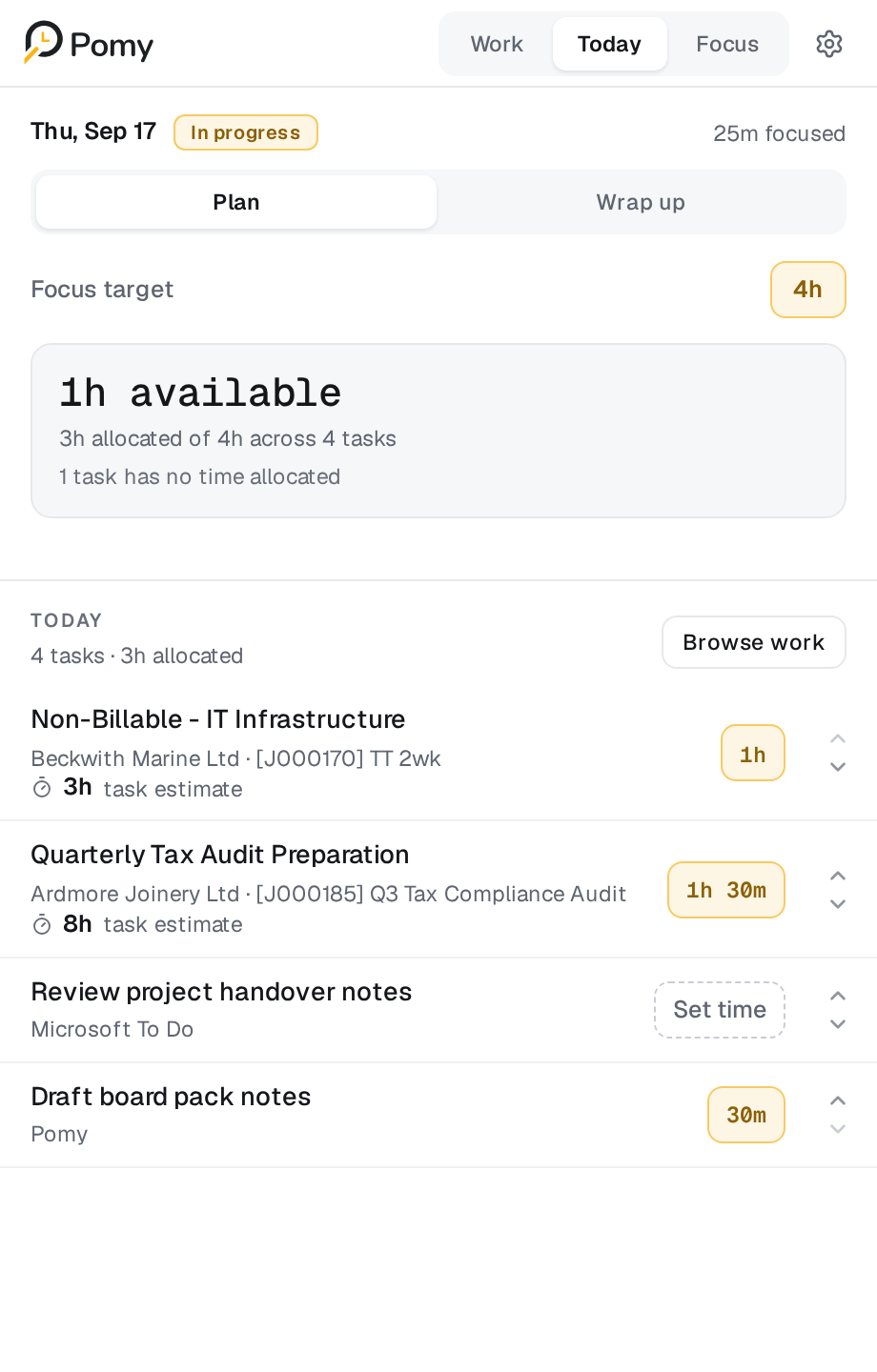
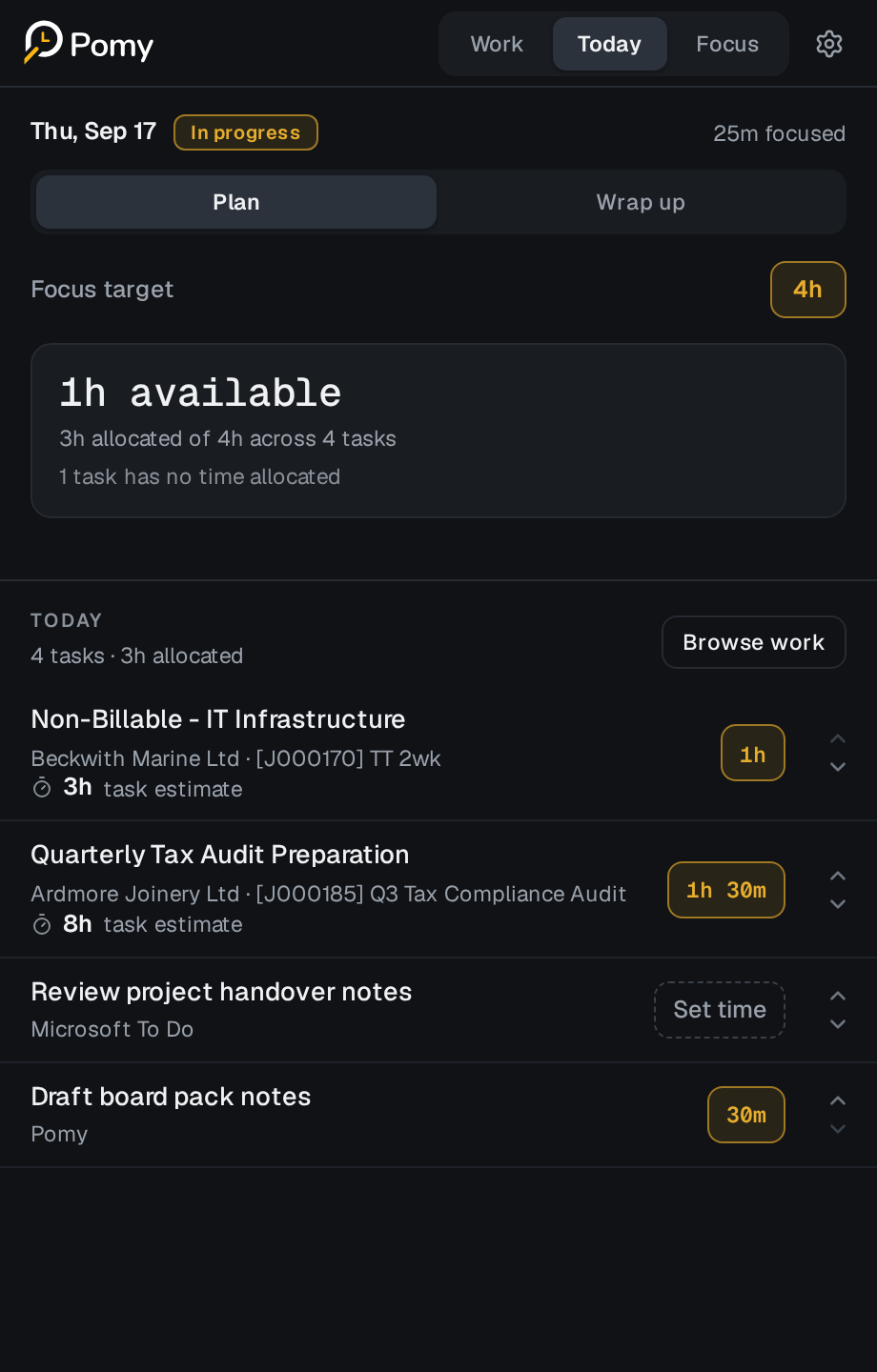
Give your day a shape.
Set a focus target, budget your tasks and choose a clear order for the day.
Explore daily planning

Your workday. One side panel.
Pomy / BetaPomy brings your tasks, daily plan and focused work together. All in a calm browser side panel.


Chrome + Edge. Free during beta.
Live on Chrome and Microsoft Edge. For professionals and teams.
Book a team pilotBring your tasks together without replacing your tools.
Give the day a realistic shape before you begin.
No scores. No monitoring. No judgement.
Review your work and decide what comes next.
The Pomy workspace
Set a focus target, budget your tasks and choose a clear order for the day.
Explore daily planning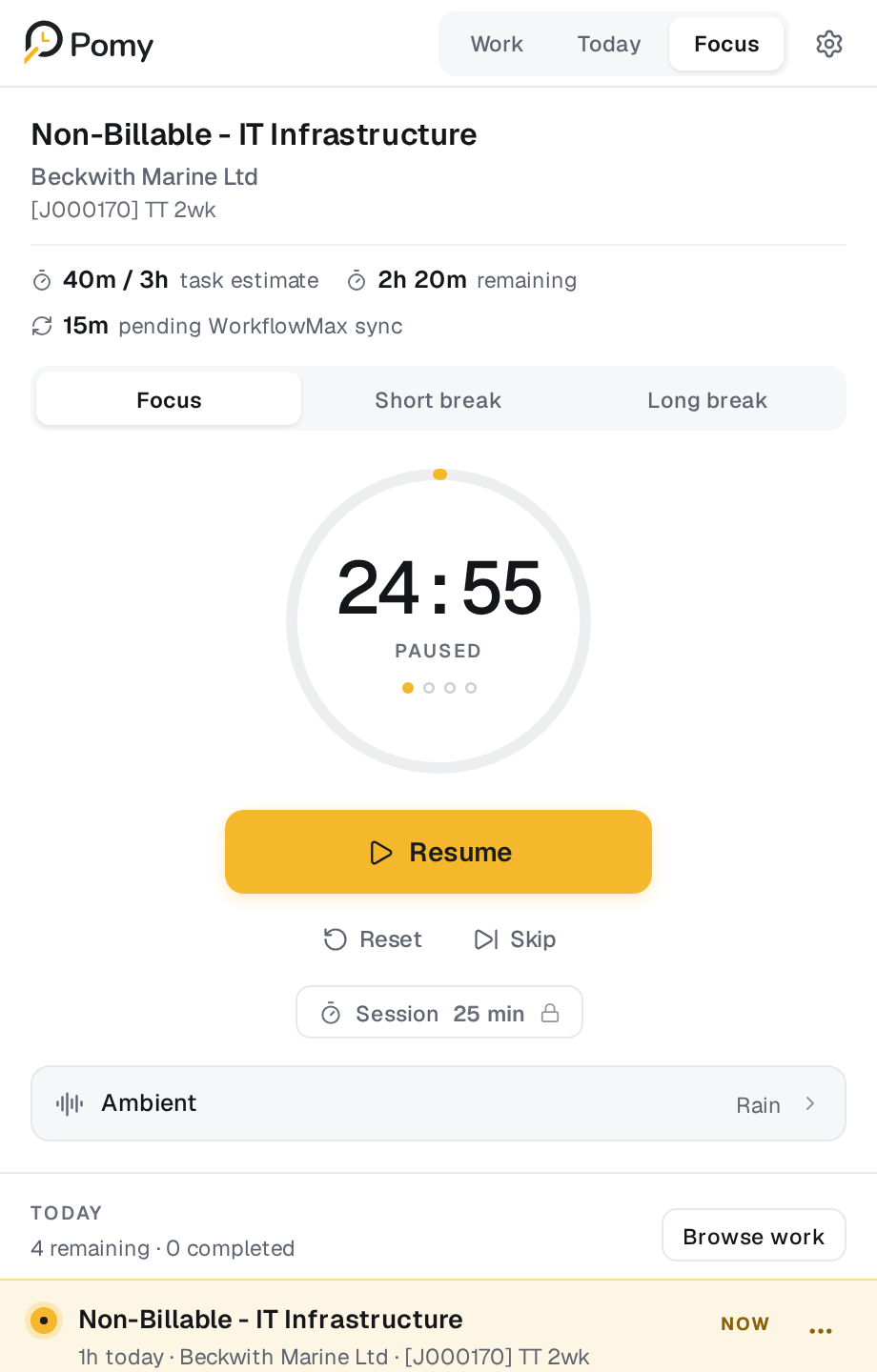
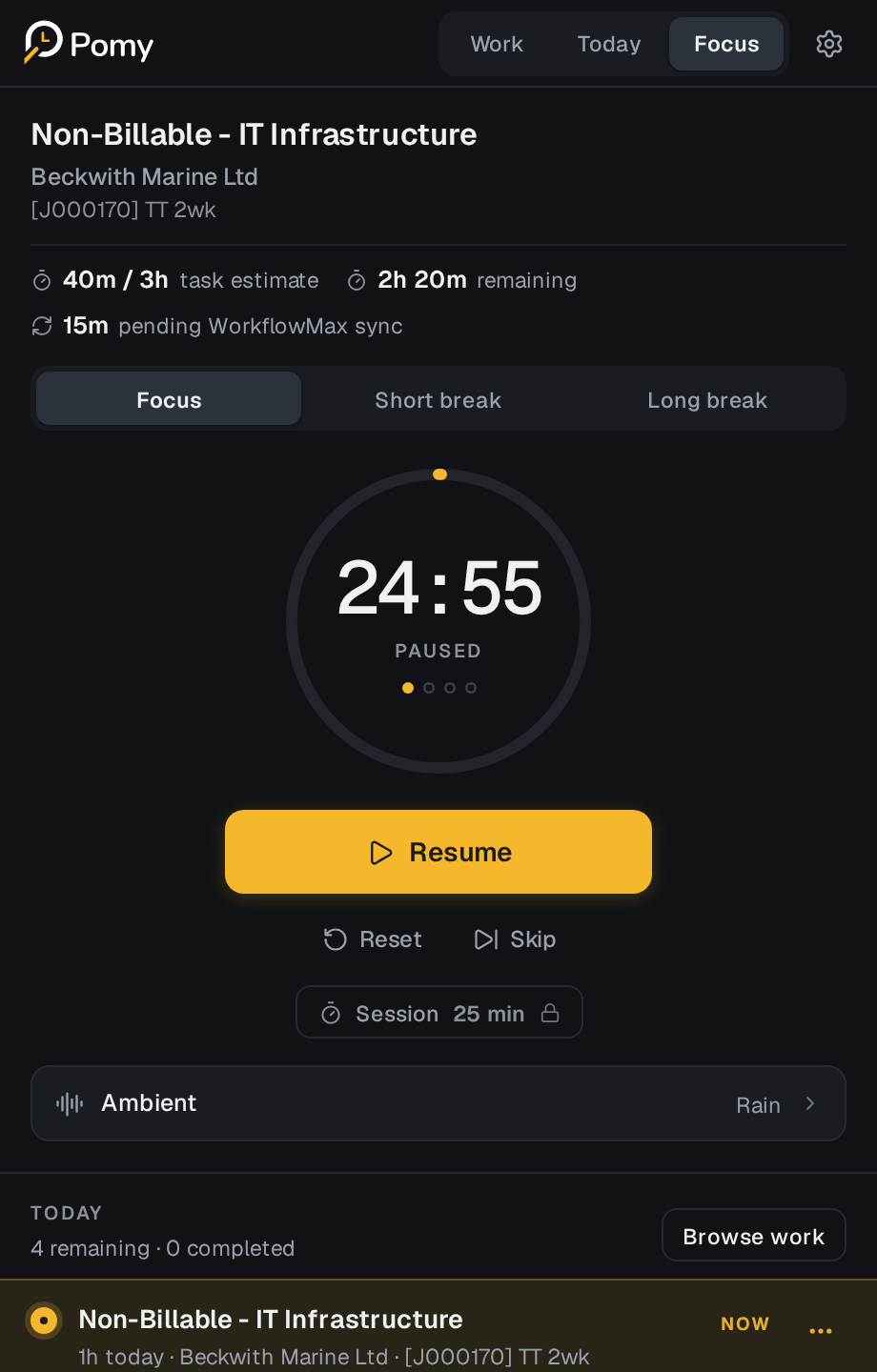
Your task, its context and a calm timer. Nothing else shouting for attention.
Explore focused work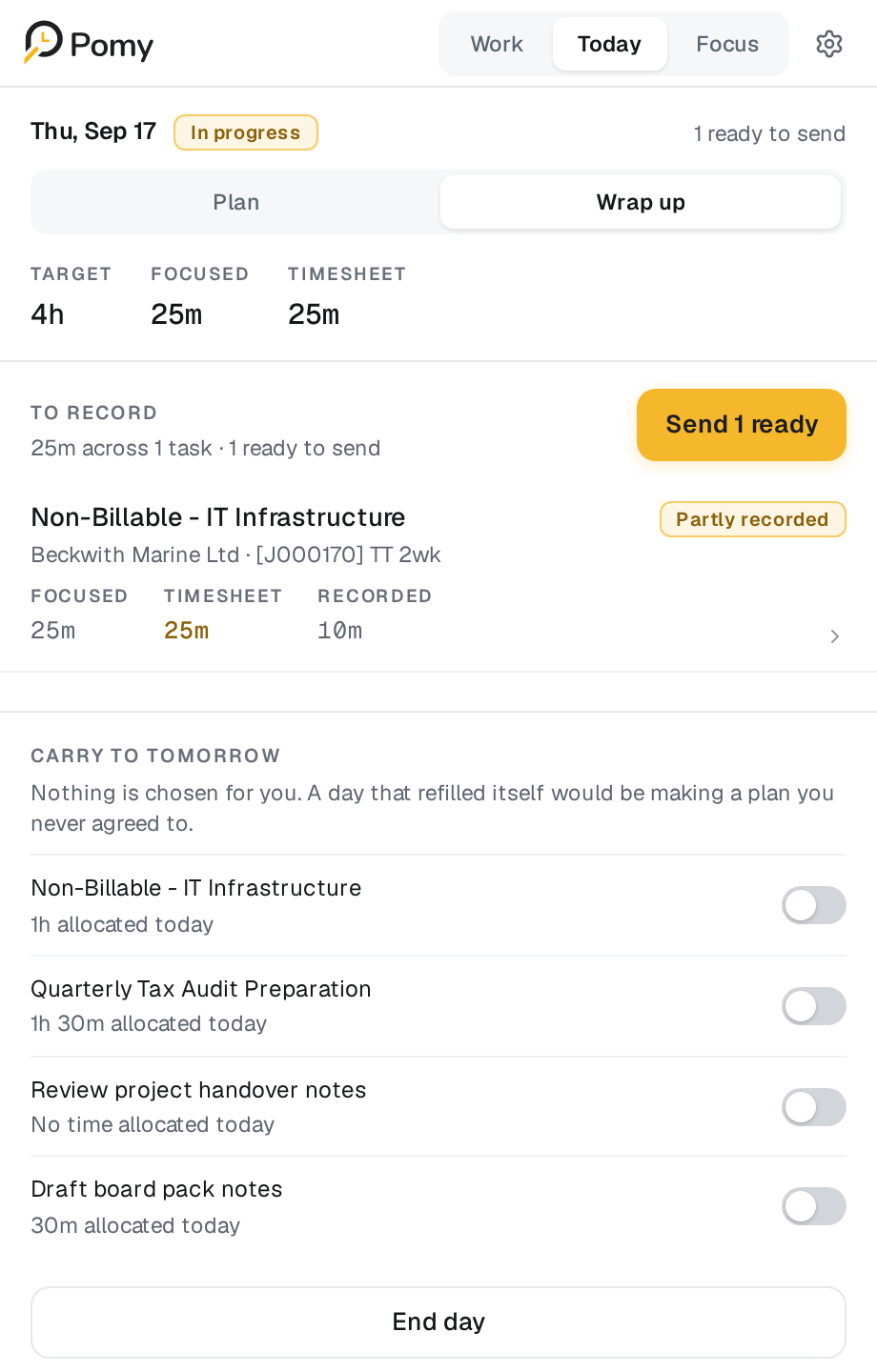
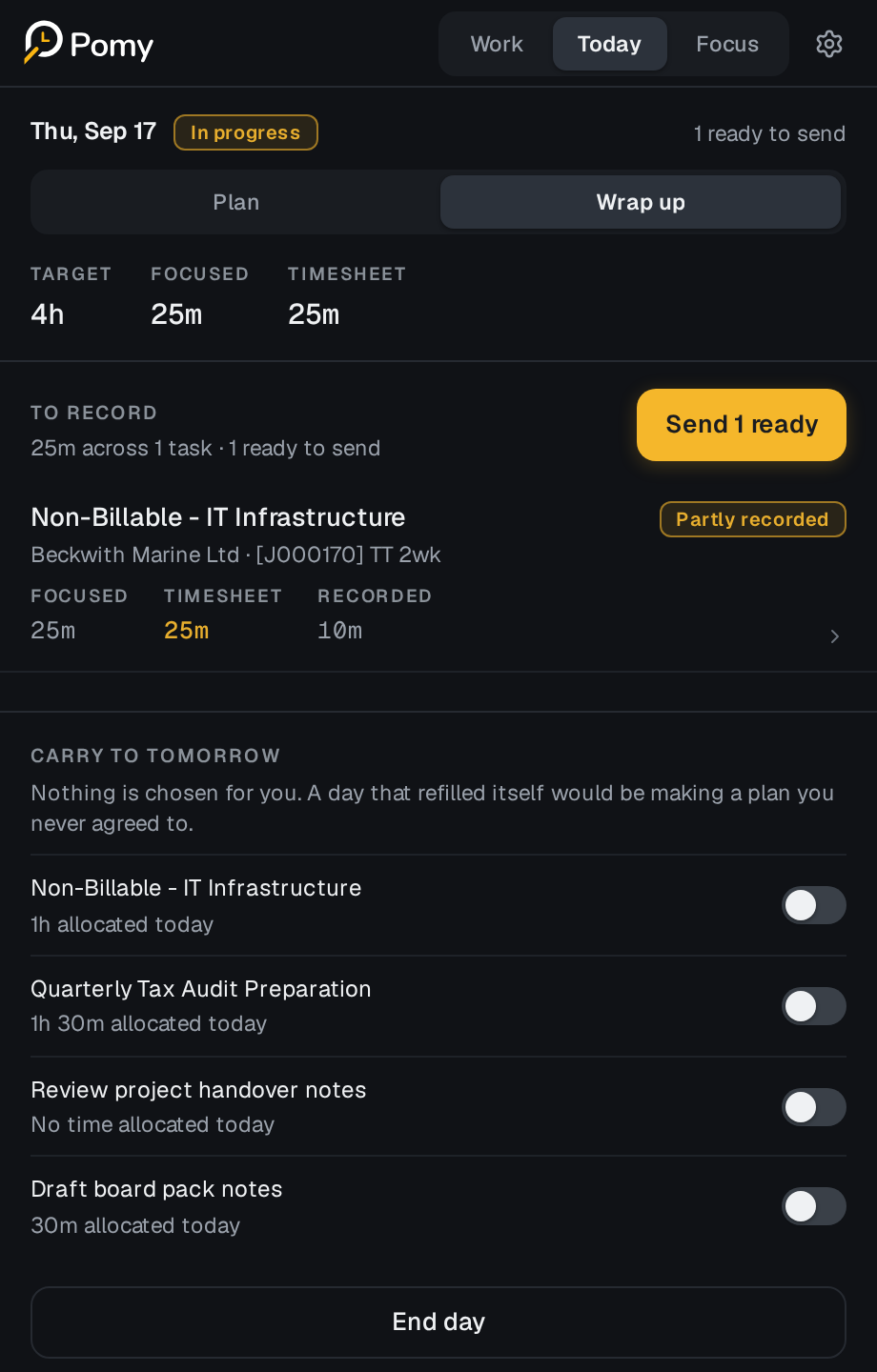
Review what you finished, add a note and carry unfinished work forward.
Explore daily wrap up01 / From scattered to focused
You already have the work.
Pomy gives you a calmer route through it.
Open Pomy alongside the browser tools you already use.
Choose your tasks, set a budget and plan a realistic day.
Focus on the work, then review and close the day.
02 / See the workflow at work
Choose. Plan. Focus. Wrap up.
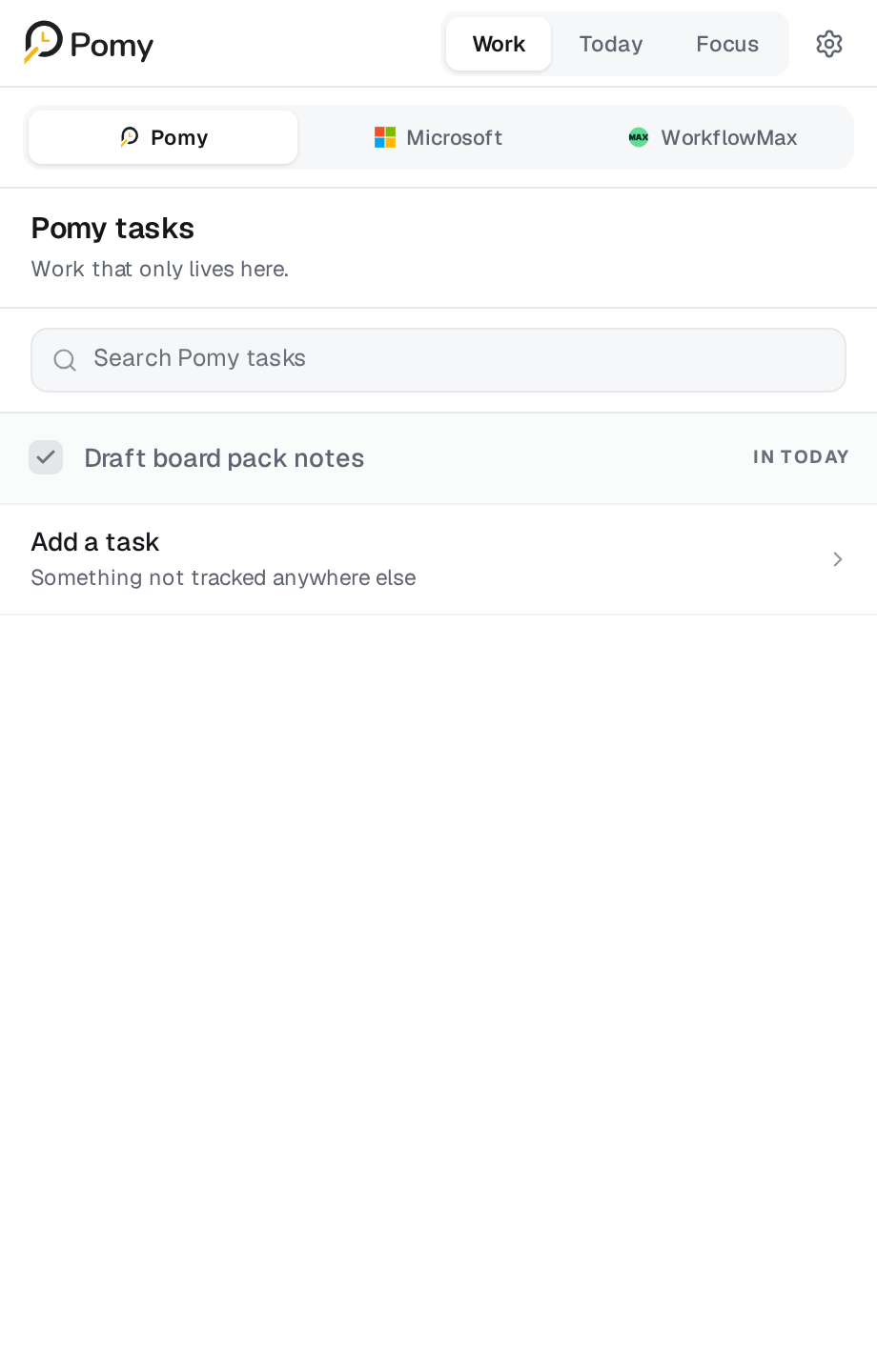
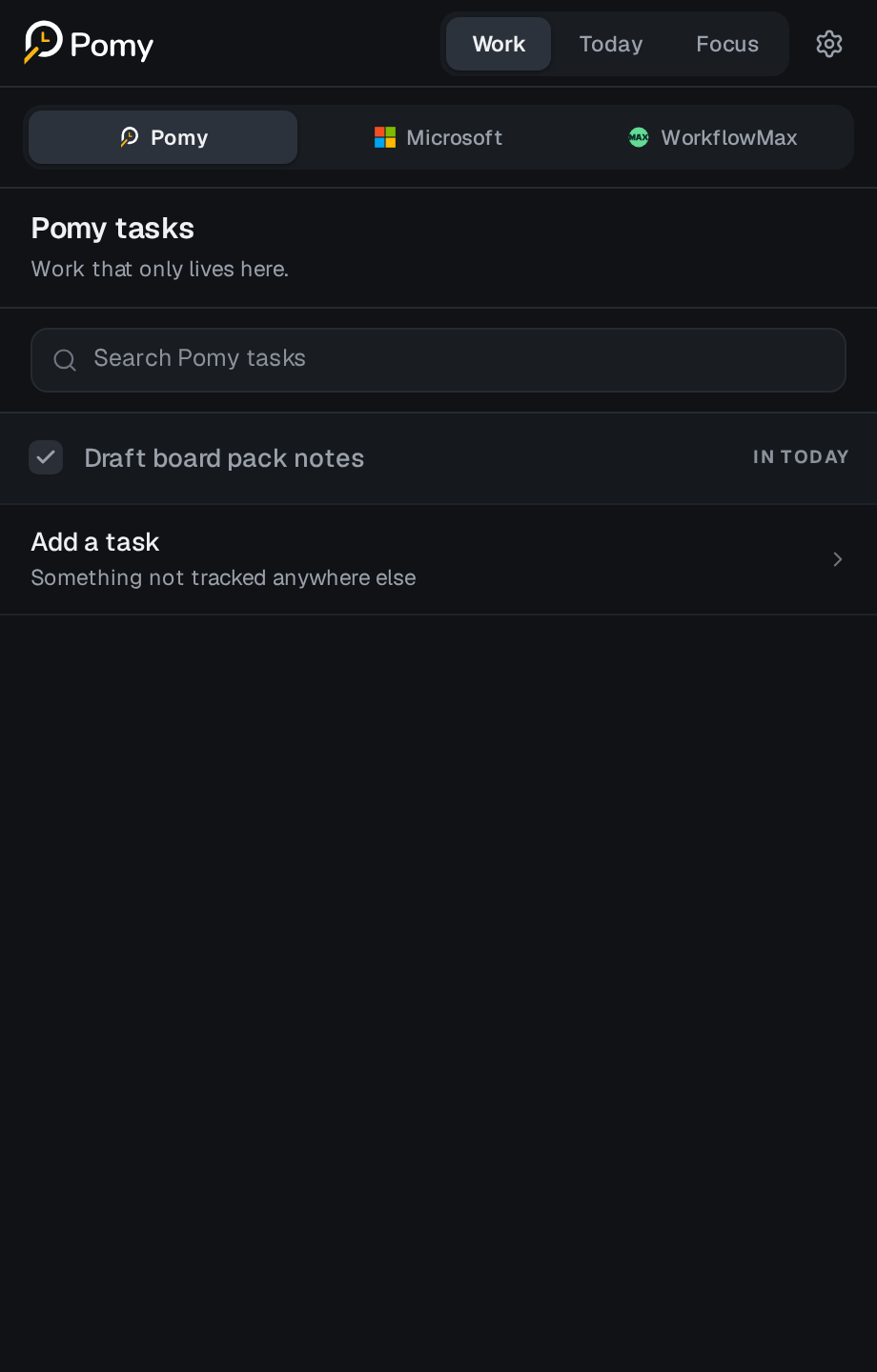
Bring Pomy tasks, Google Tasks, Microsoft To Do and WorkflowMax work into Today—without replacing the tools you already use.
Explore chooseSet a focus target, budget each item and put the work in an order that makes sense. Guidance, never a quota.
Explore planKeep the task, its context and the current round beside a timer designed to reduce everything else.
Explore focusReview what you finished, add a note and carry unfinished work forward. Decide how the day closes.
Explore wrap upGood work is personal
Personal planning stays personal. Pomy is designed without employee monitoring or automatic activity reporting.
Our approach to trustRight where you work
Keep the systems that already run your work.
Pomy connects the daily flow between them.
Pomy Beta
Pomy is free to use during beta. Pricing for future plans will be announced soon, with no payment details required today.
Plan, focus and wrap up in one browser side panel.
A calmer way to work
Plan with intention. Focus on one thing.
Close the day with a clear head.