01
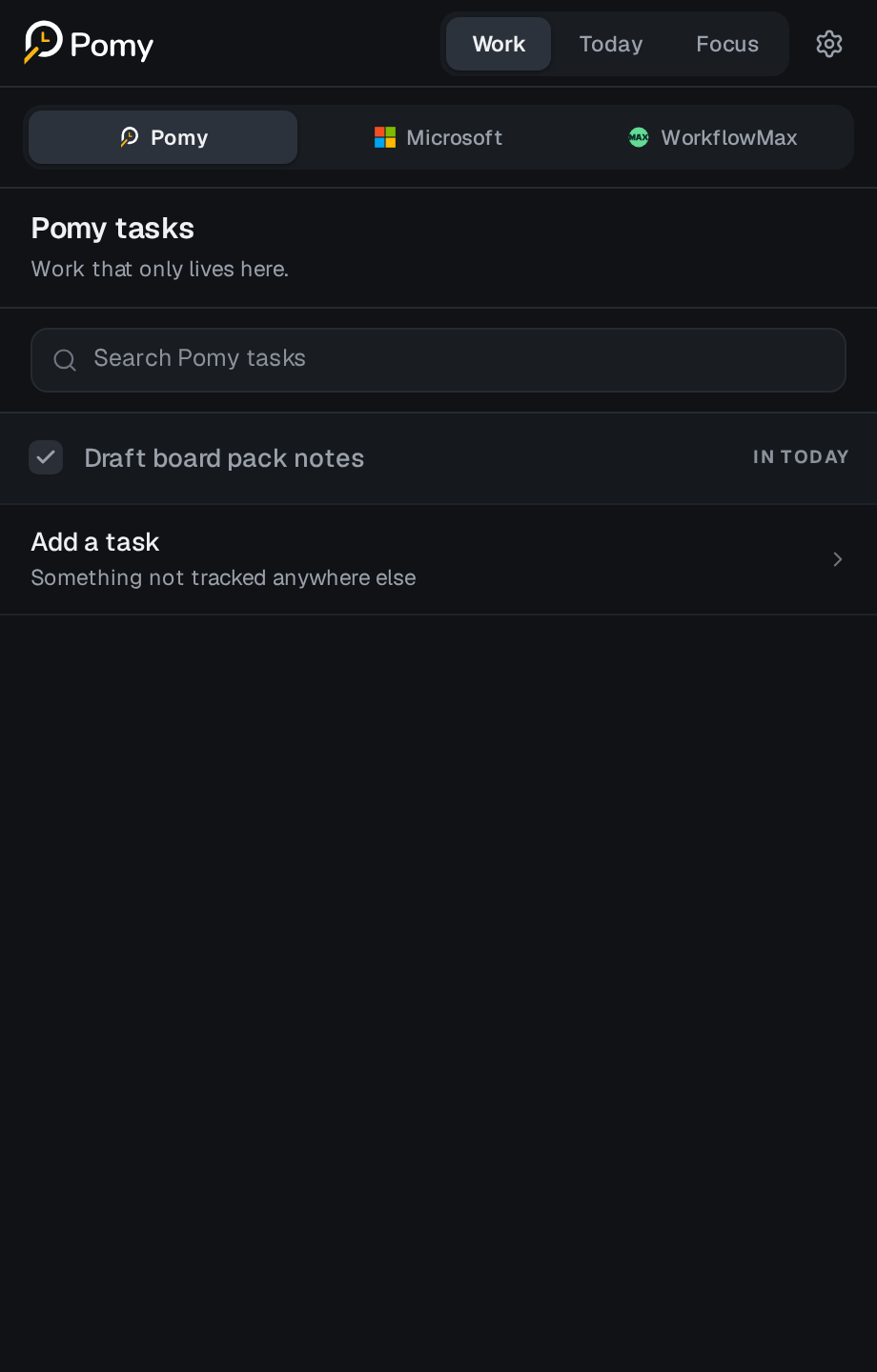
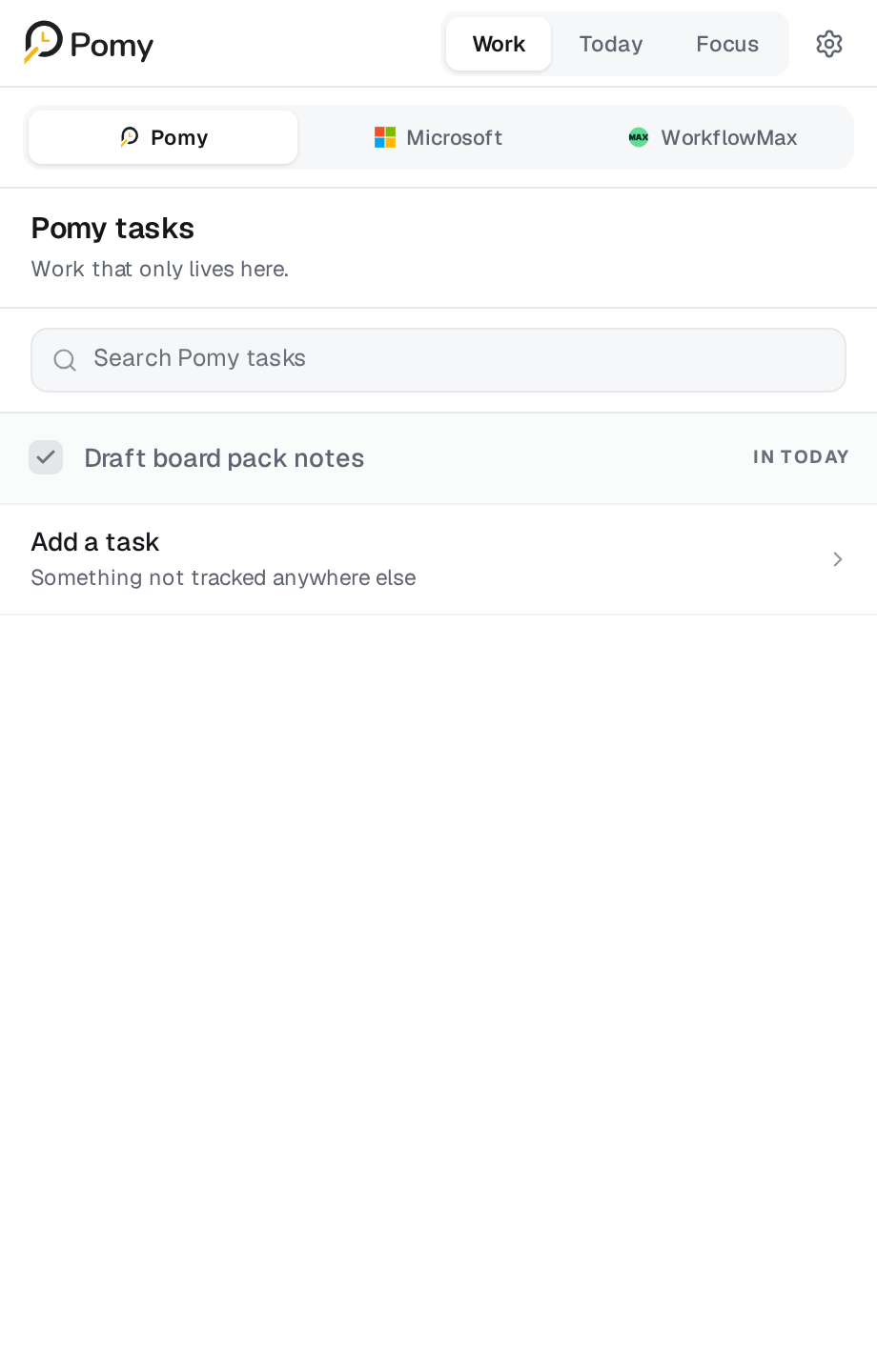
Choose work
Bring the right work into Today.
Choose a Pomy task, Microsoft To Do item or WorkflowMax job task. Source context travels with it.

How it works
Pomy follows the natural order of a professional-services workday without asking the firm to replace its existing systems.
Choose work
Choose a Pomy task, Microsoft To Do item or WorkflowMax job task. Source context travels with it.
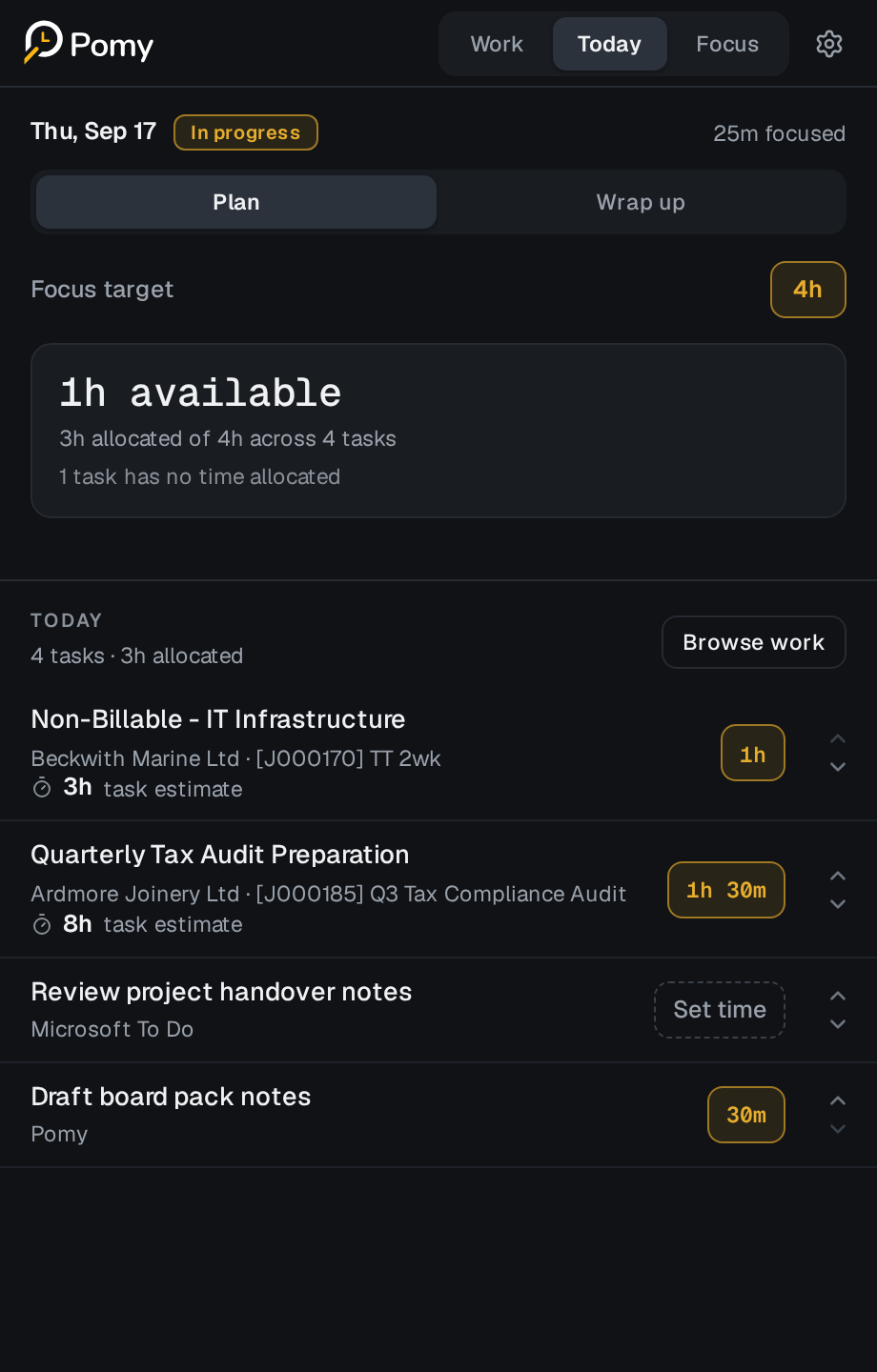
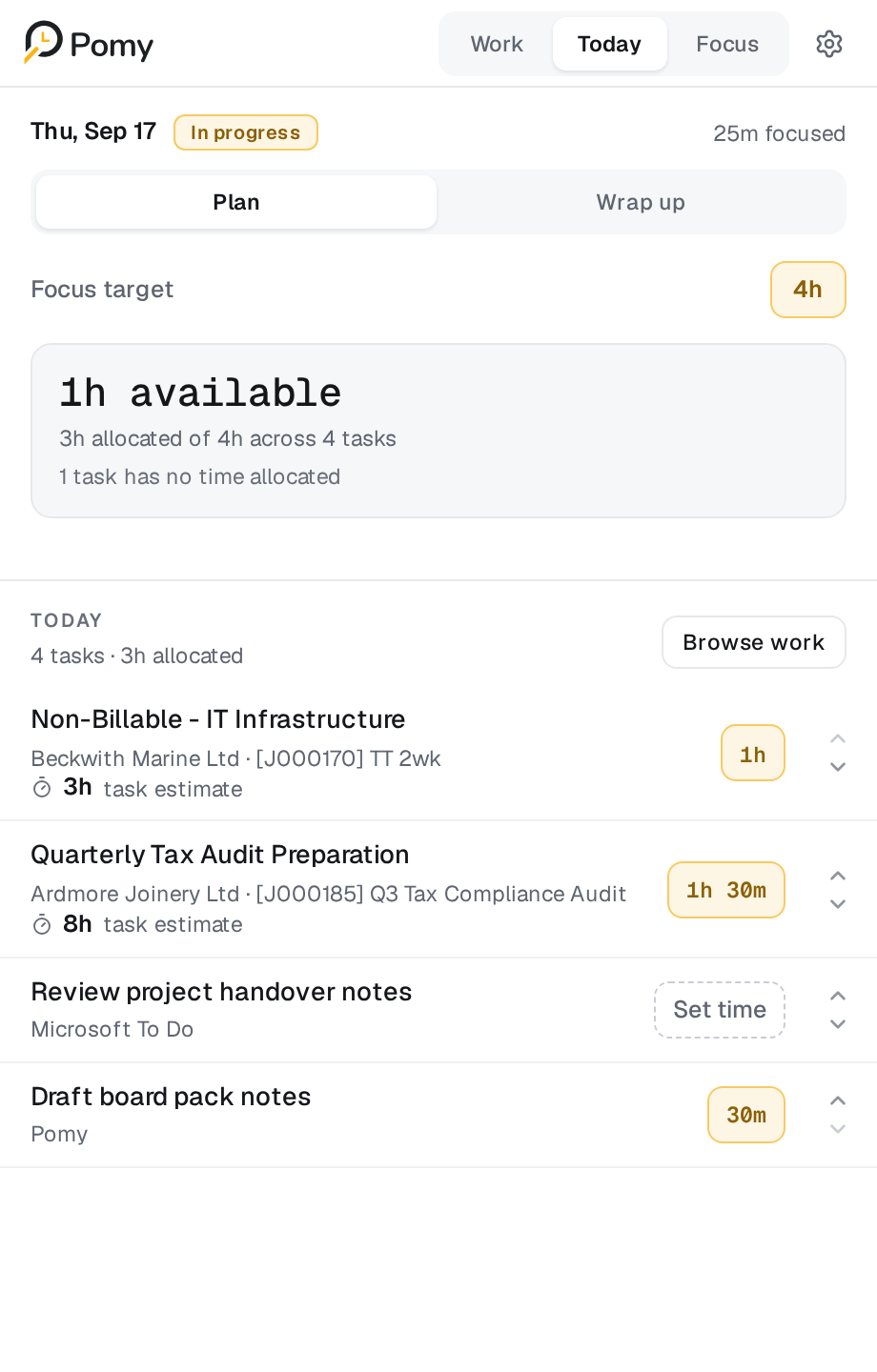
Plan the day
Set the target, choose time for today and arrange work before the day gets noisy.
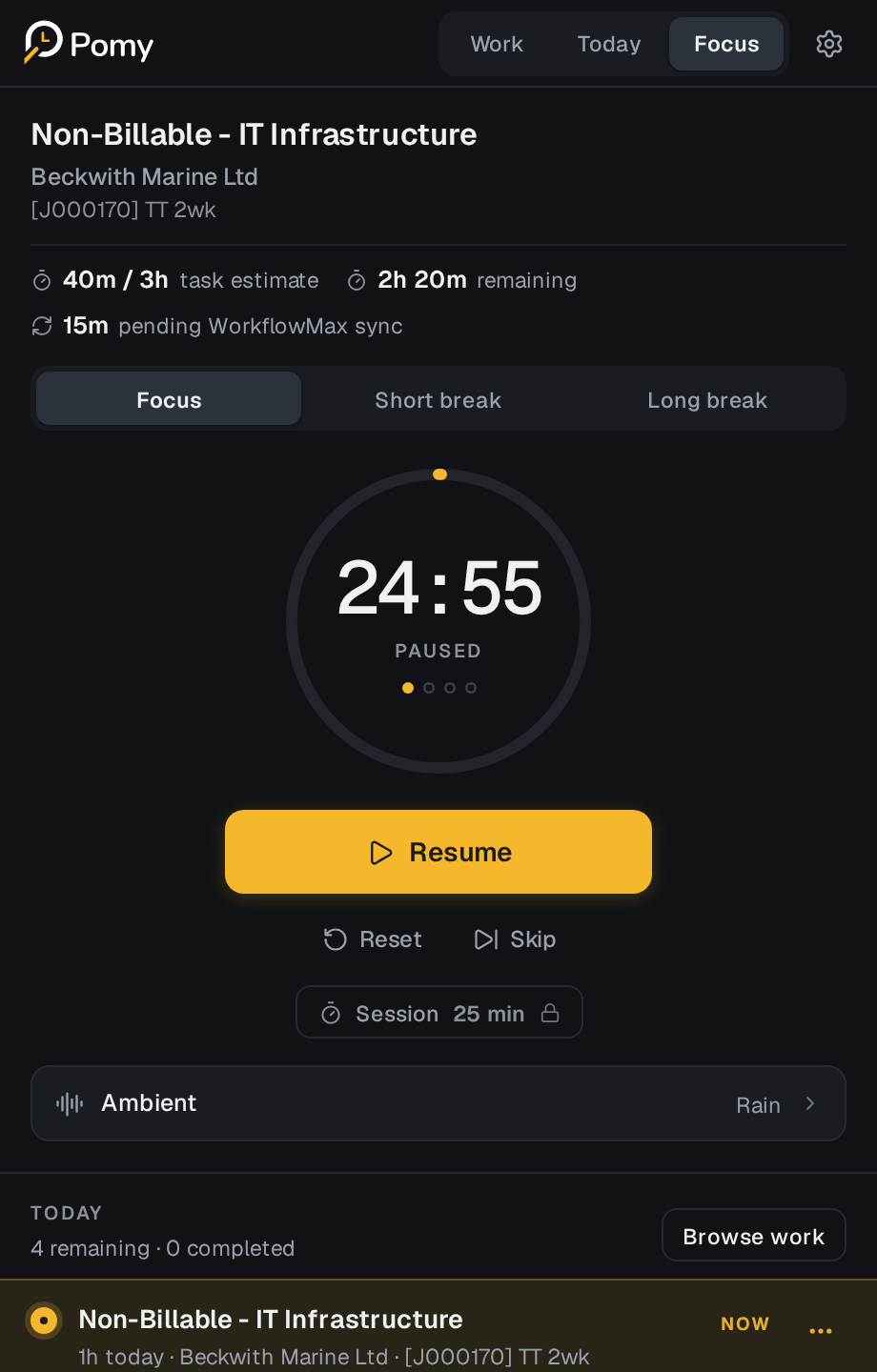
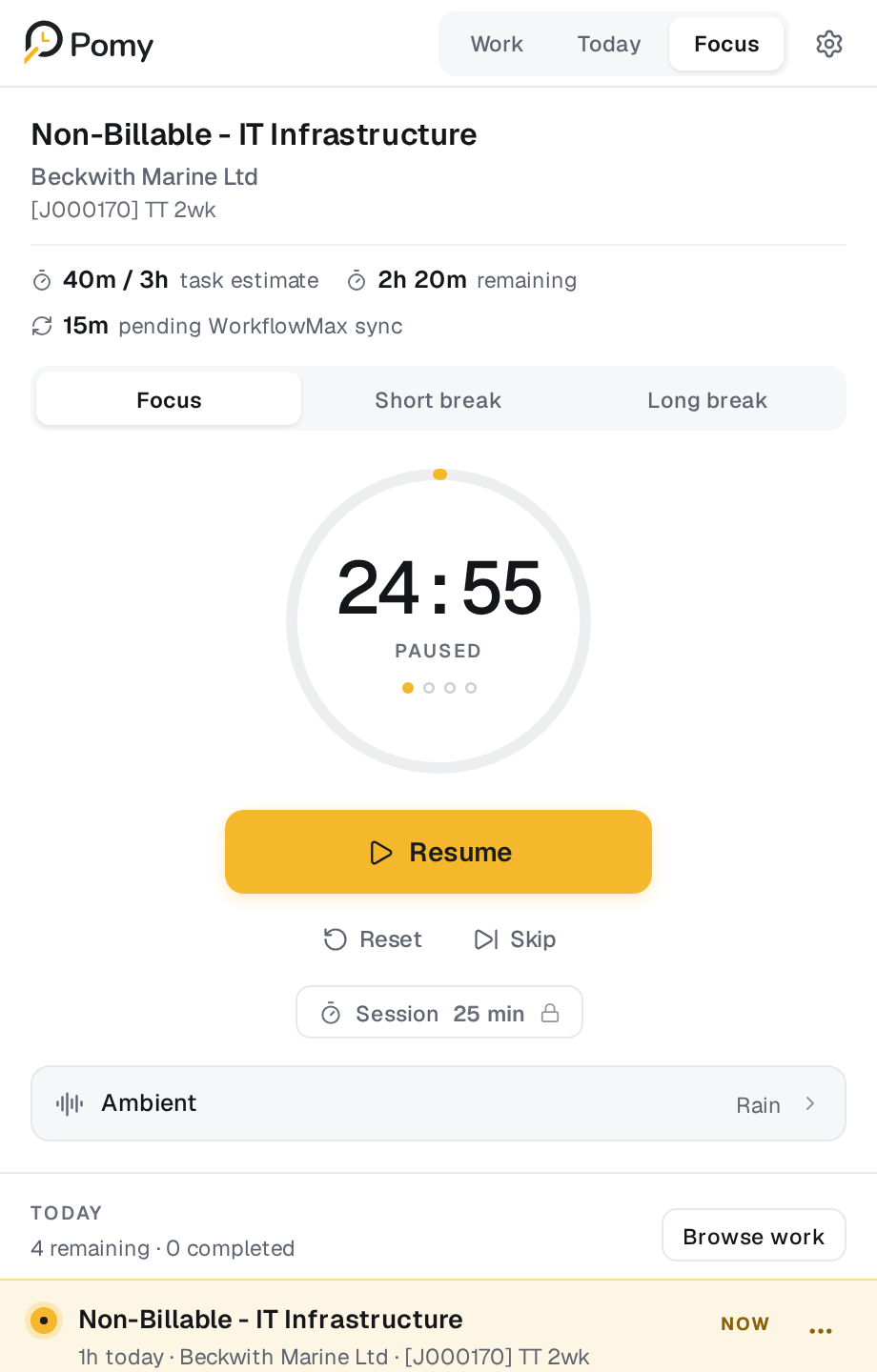
Focus
Use focused rounds and breaks while the relevant client, job and budget remain visible.
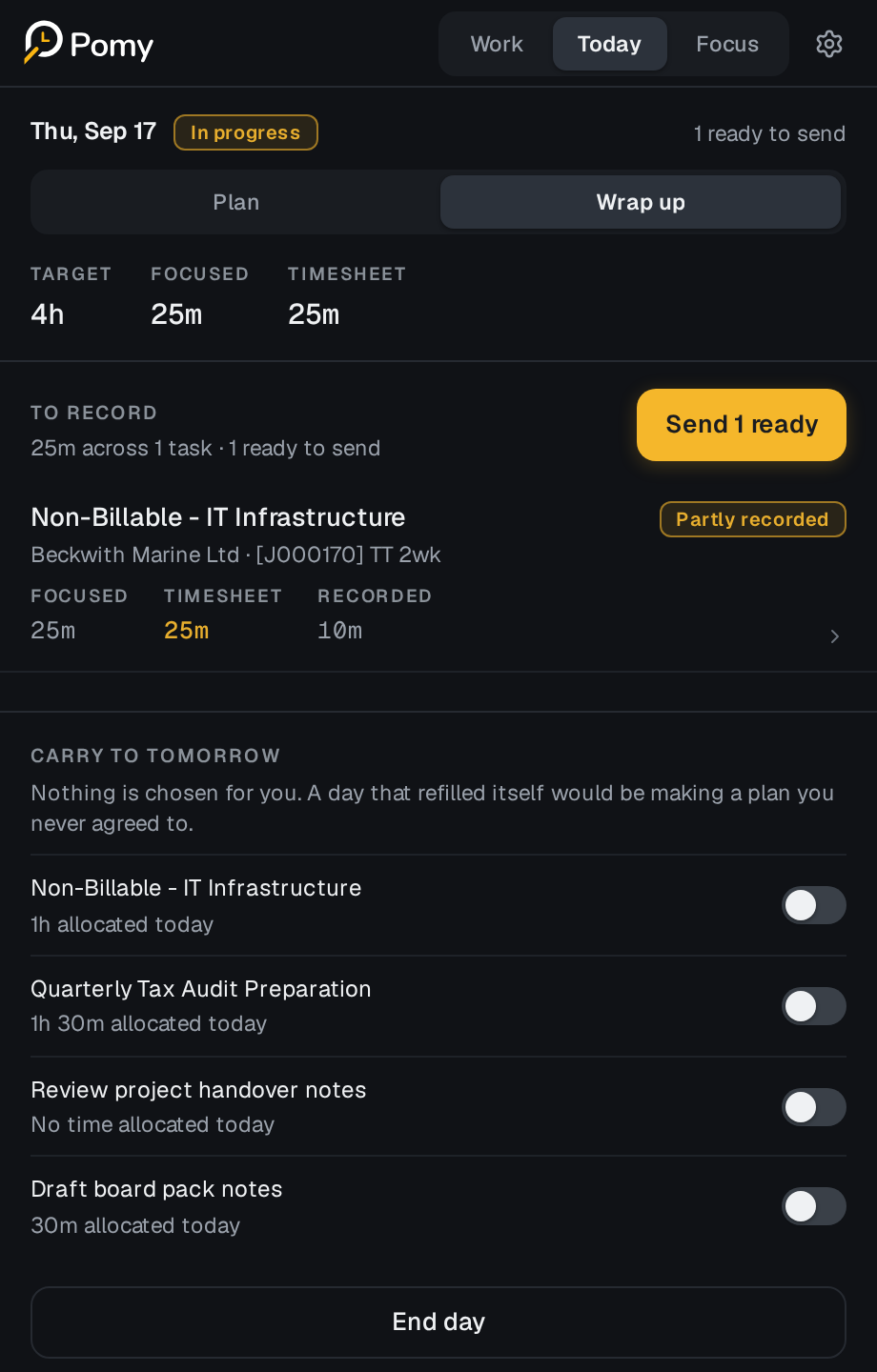
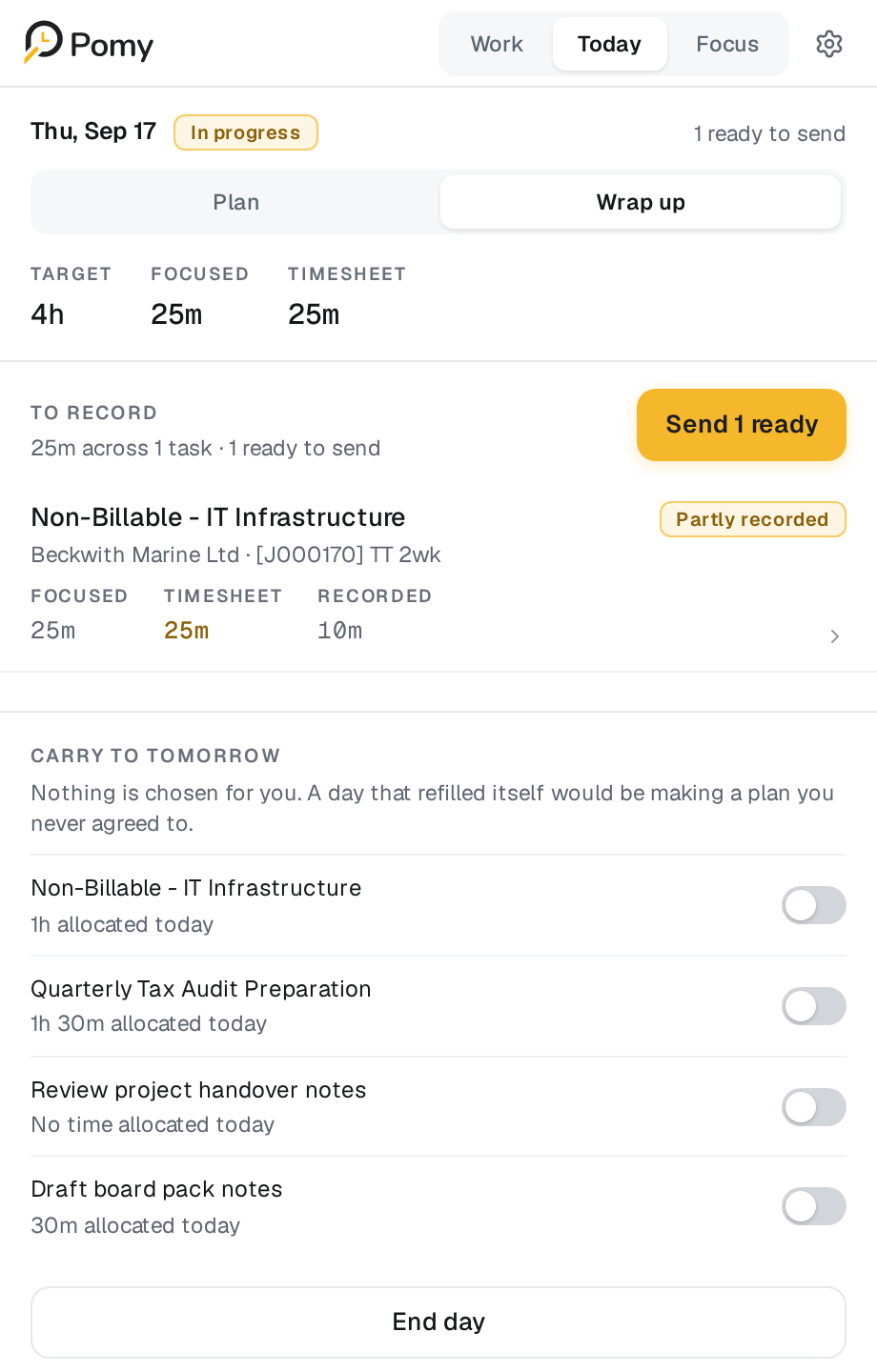
Wrap up
Compare observed focus with the time you intend to record. Nothing reaches WorkflowMax automatically.
The important distinction
A deliberate record
The same workday, shown three ways. Each number has a different owner and purpose.
Chosen, not yet recorded.
The remaining focused time is simply context — not a debt, deficit or productivity judgement.
Private pilot
Give your team a clearer way to plan, focus and finish the timesheet.