01
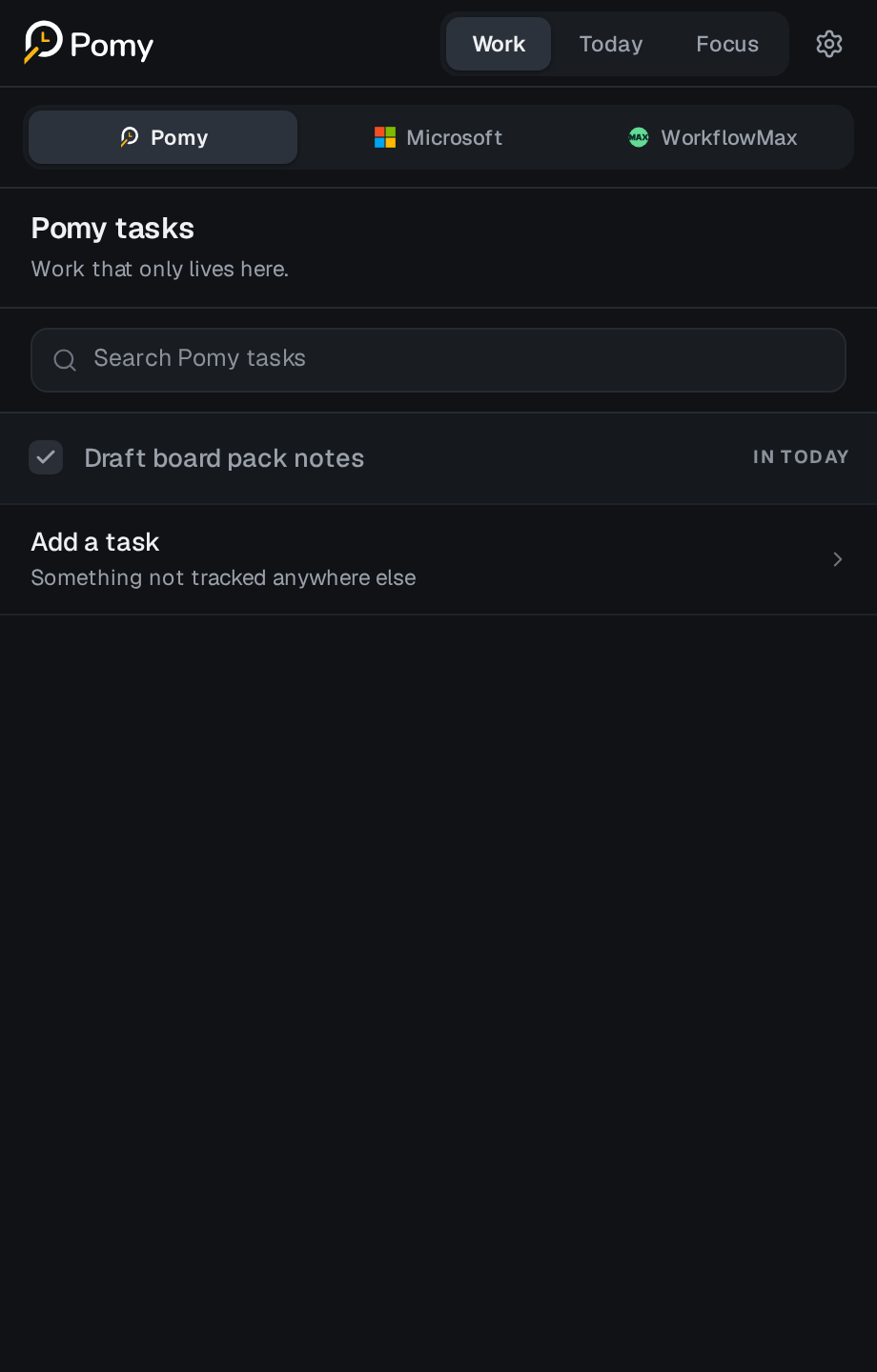
Work
Start with the work you already have.
Browse local Pomy tasks, Microsoft To Do lists and WorkflowMax client work through one consistent focus-item model.

Product
Pomy gives planning, deep work and timesheet review one continuous workflow inside the browser.
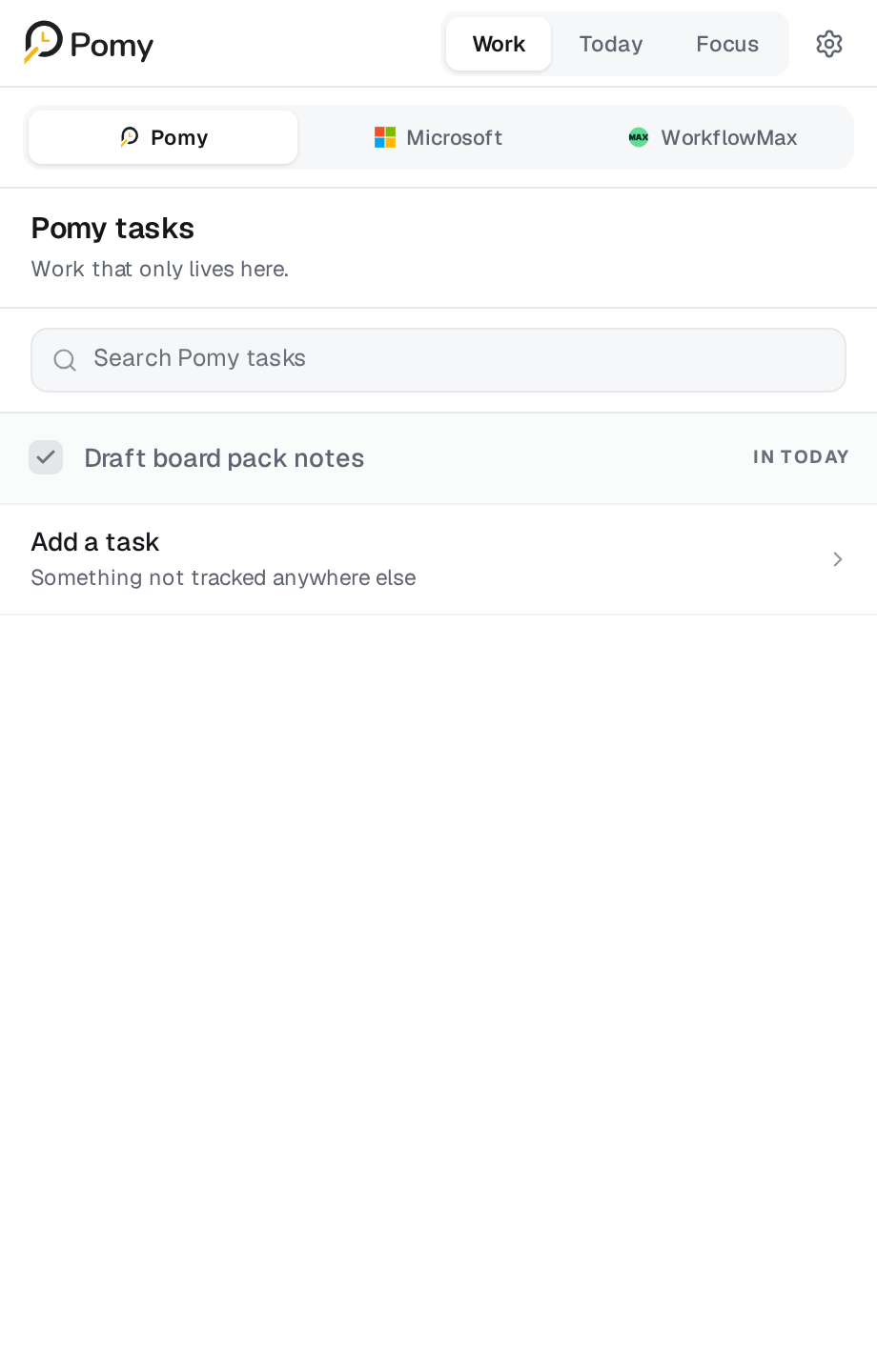
Work
Browse local Pomy tasks, Microsoft To Do lists and WorkflowMax client work through one consistent focus-item model.
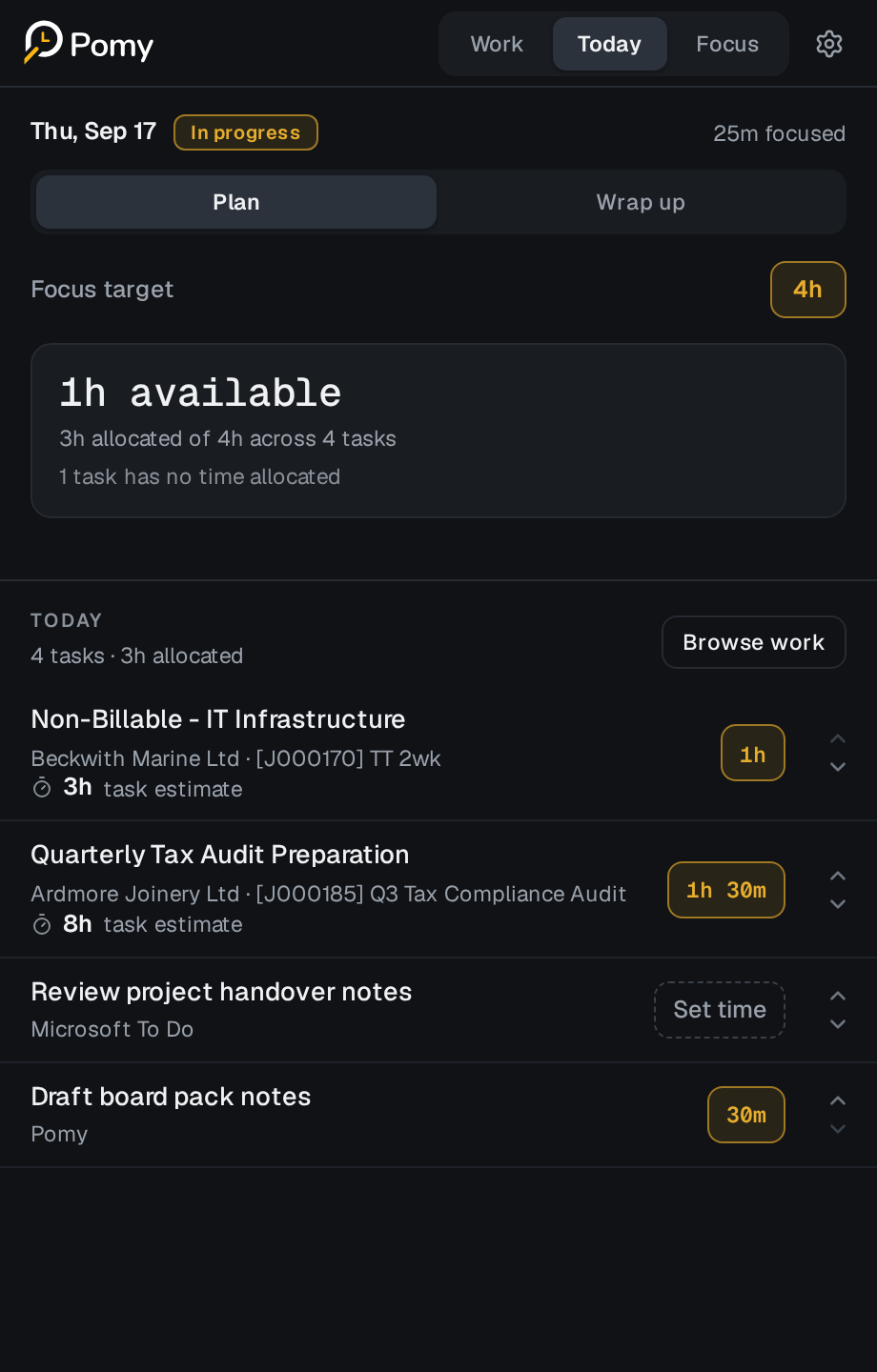
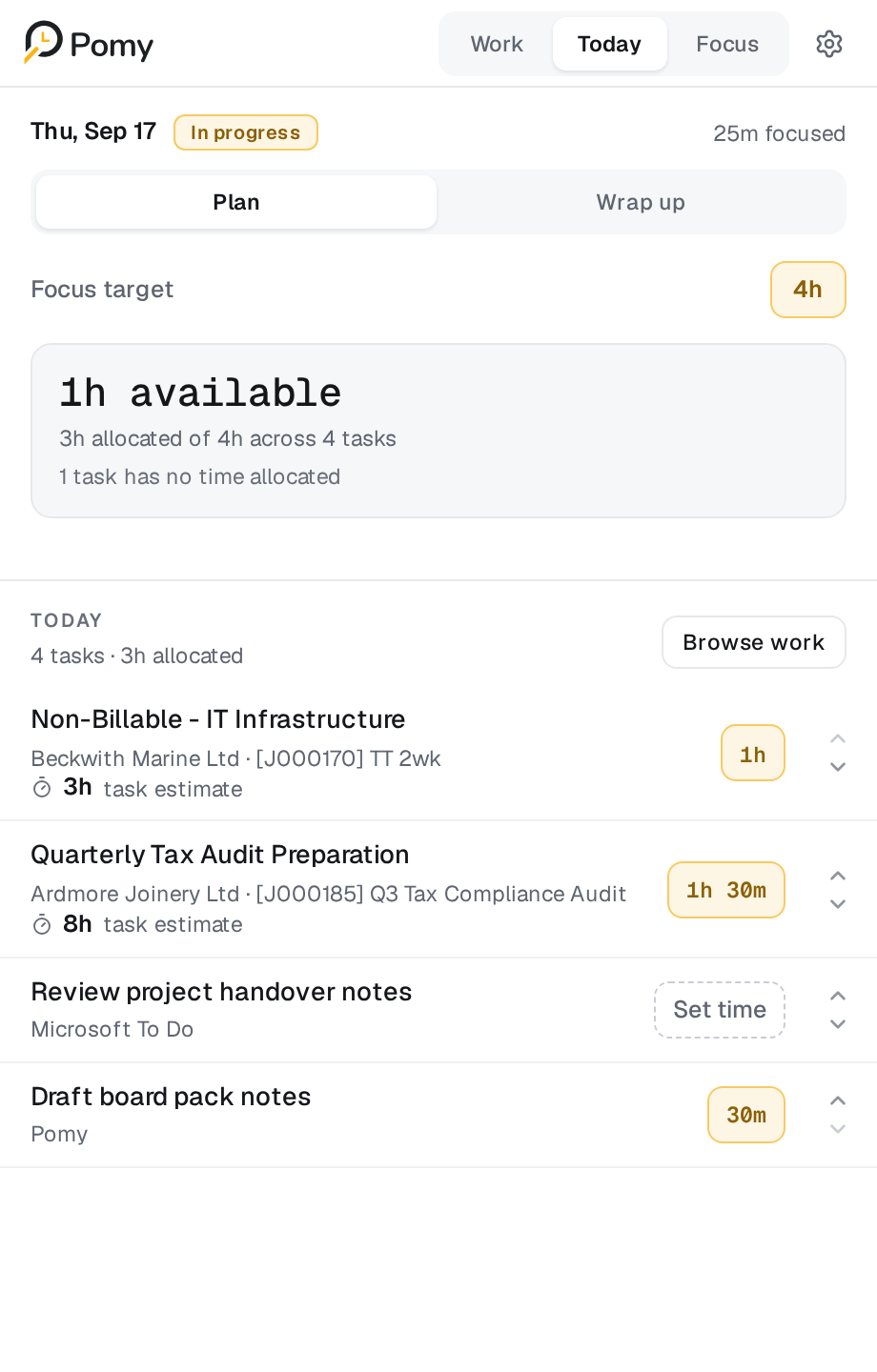
Today / Plan
Set a daily focus target, budget each item and order the work. The target is guidance, never a quota.
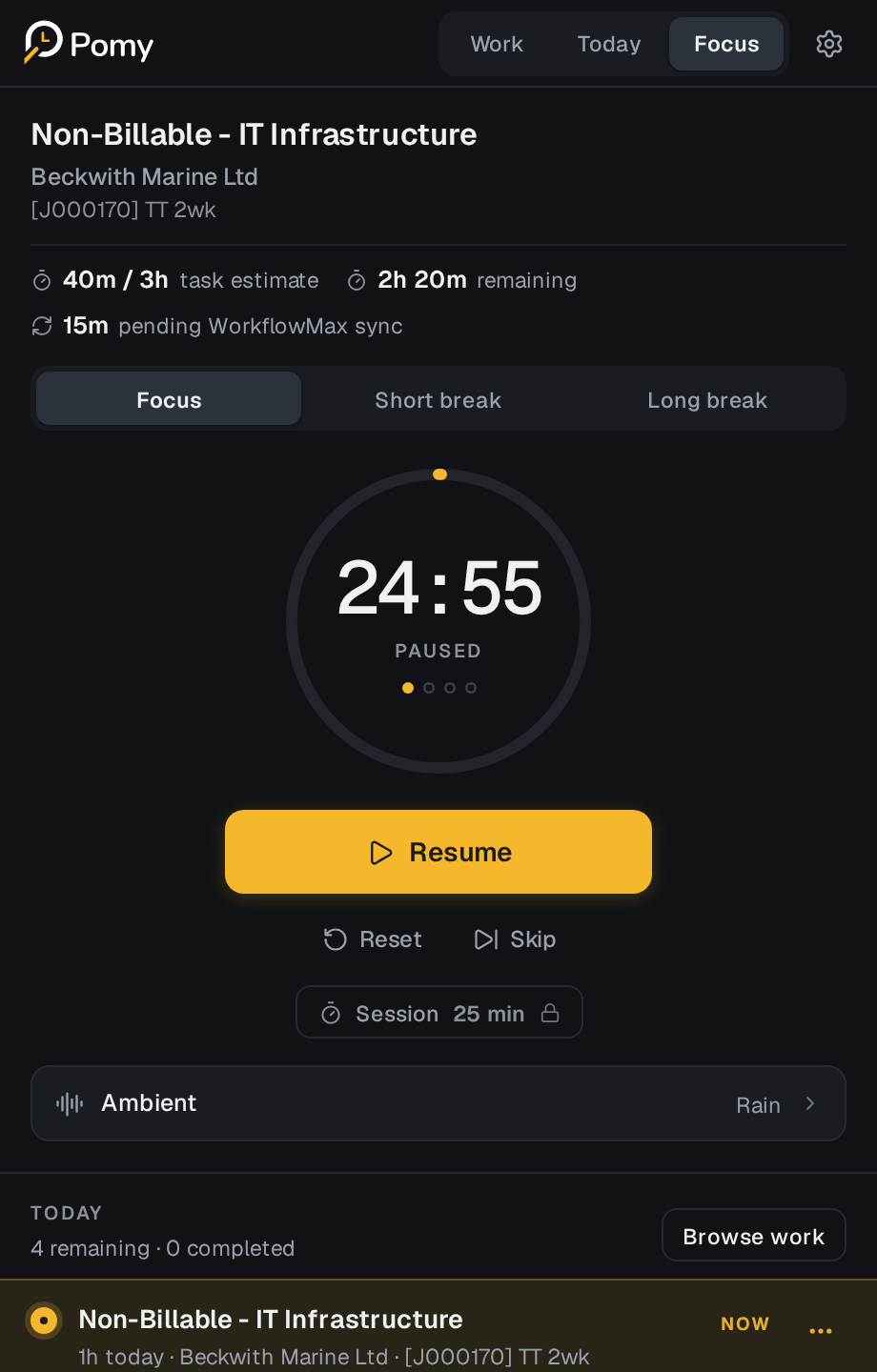
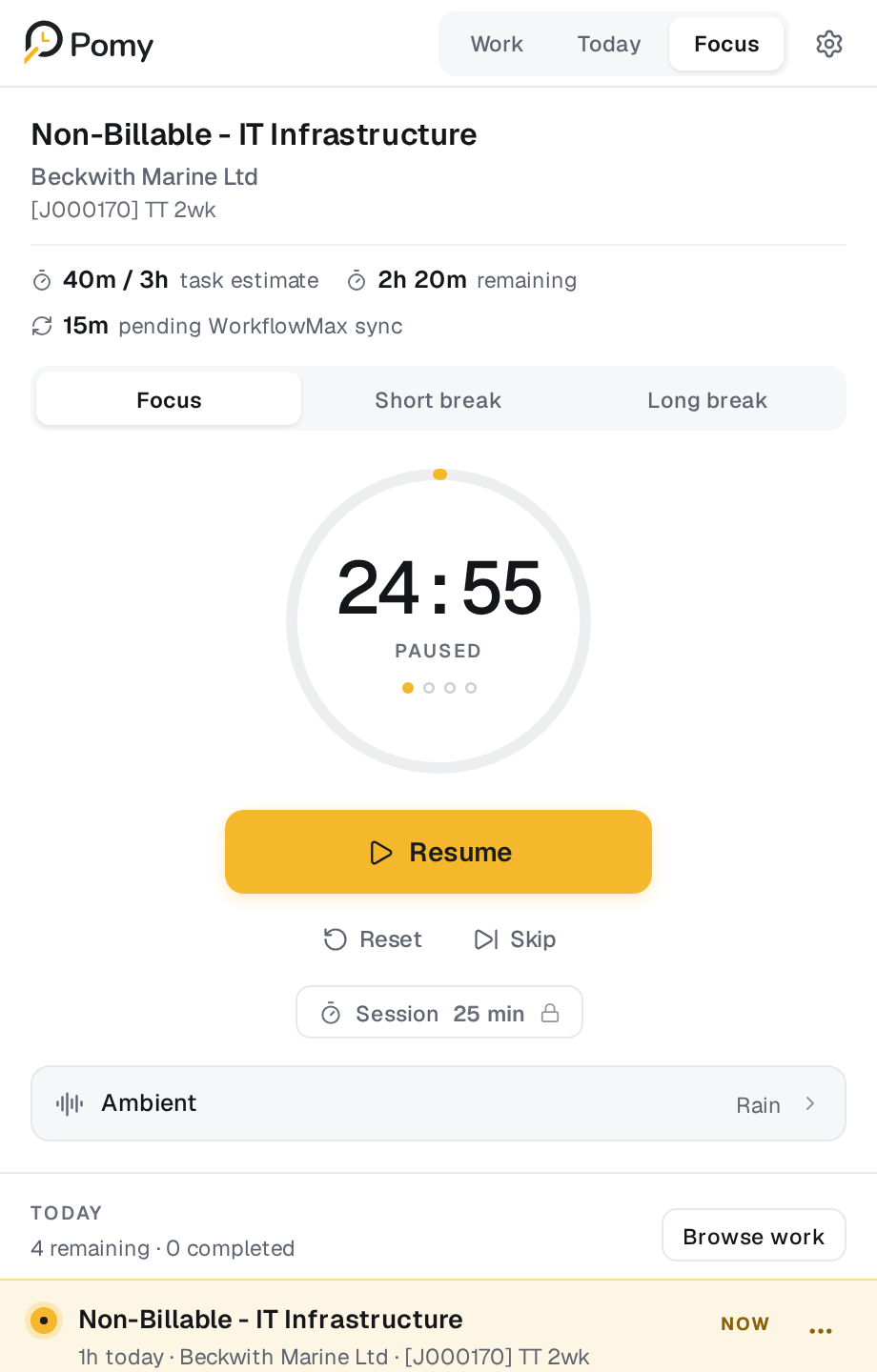
Focus
Keep the current task, round and budget visible. Sessions continue conceptually even when the side panel closes.
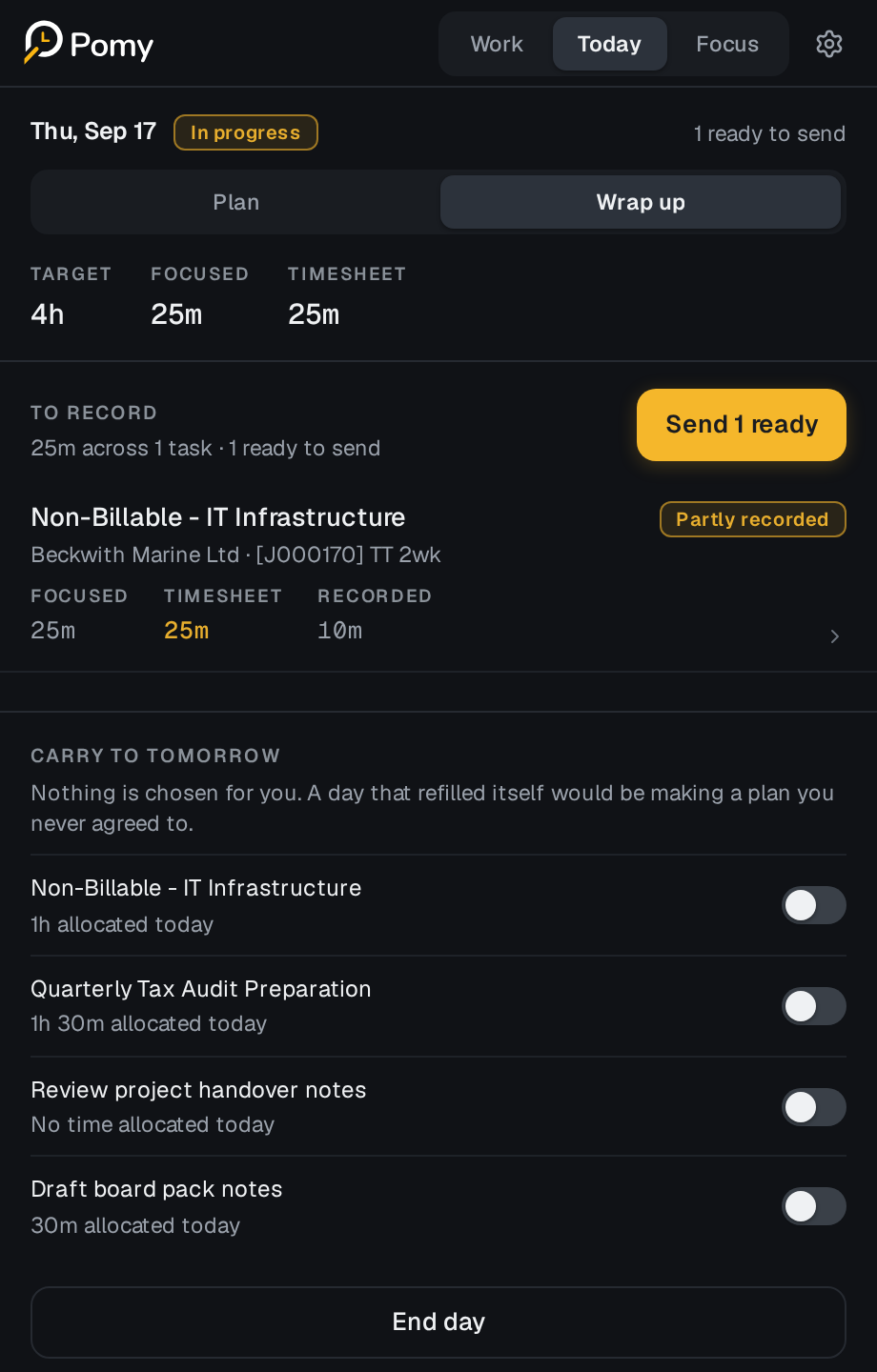
Wrap up
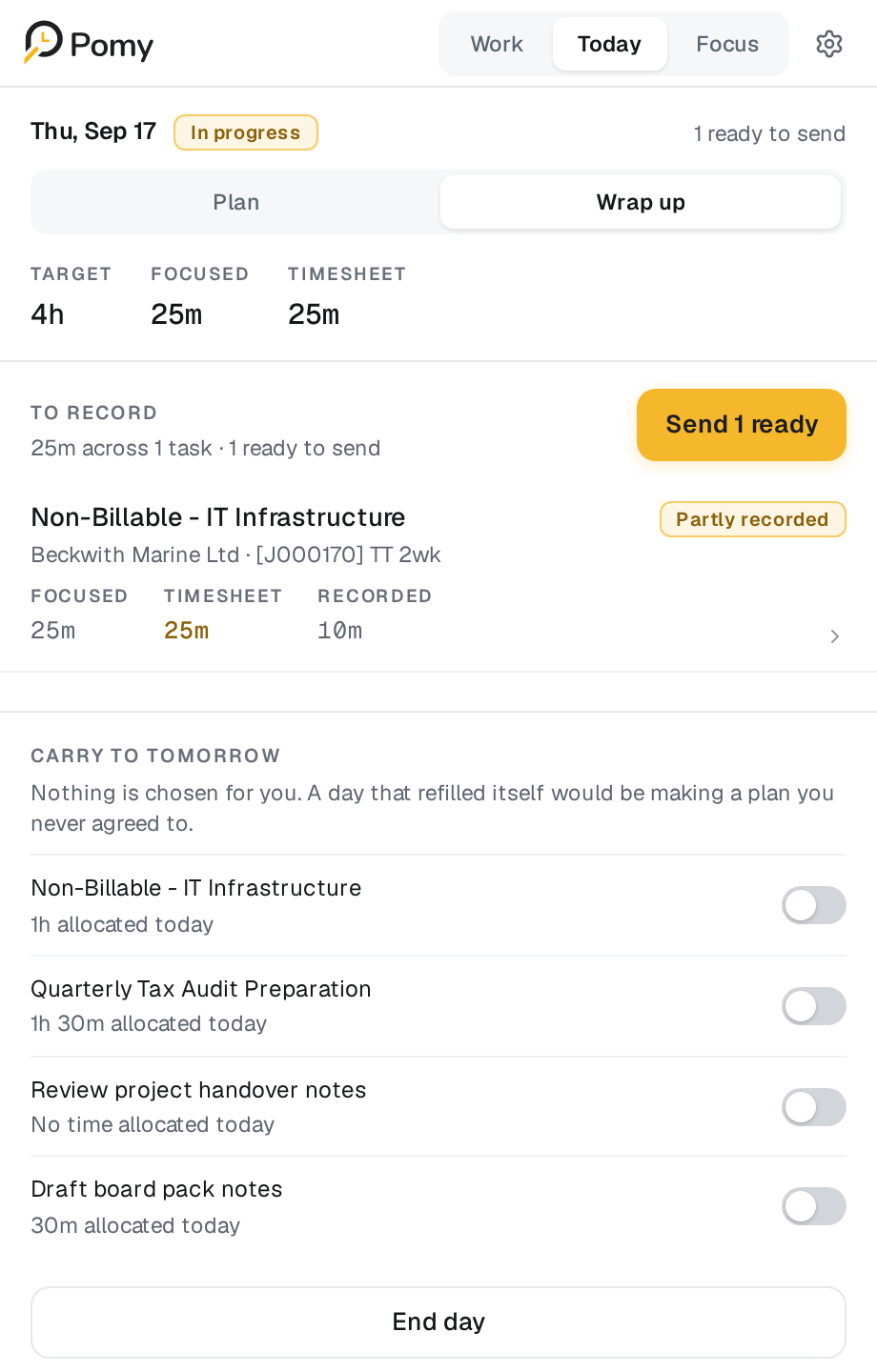
Keep Focused, Timesheet and Recorded separate, add notes, record explicitly and carry unfinished work forward.
Honest Time
Focused time is useful evidence, not a command to bill every minute.
A deliberate record
The same workday, shown three ways. Each number has a different owner and purpose.
Chosen, not yet recorded.
The remaining focused time is simply context — not a debt, deficit or productivity judgement.
Progress
Personal history, focused days and capped milestones recognise a good day without rewarding longer hours.
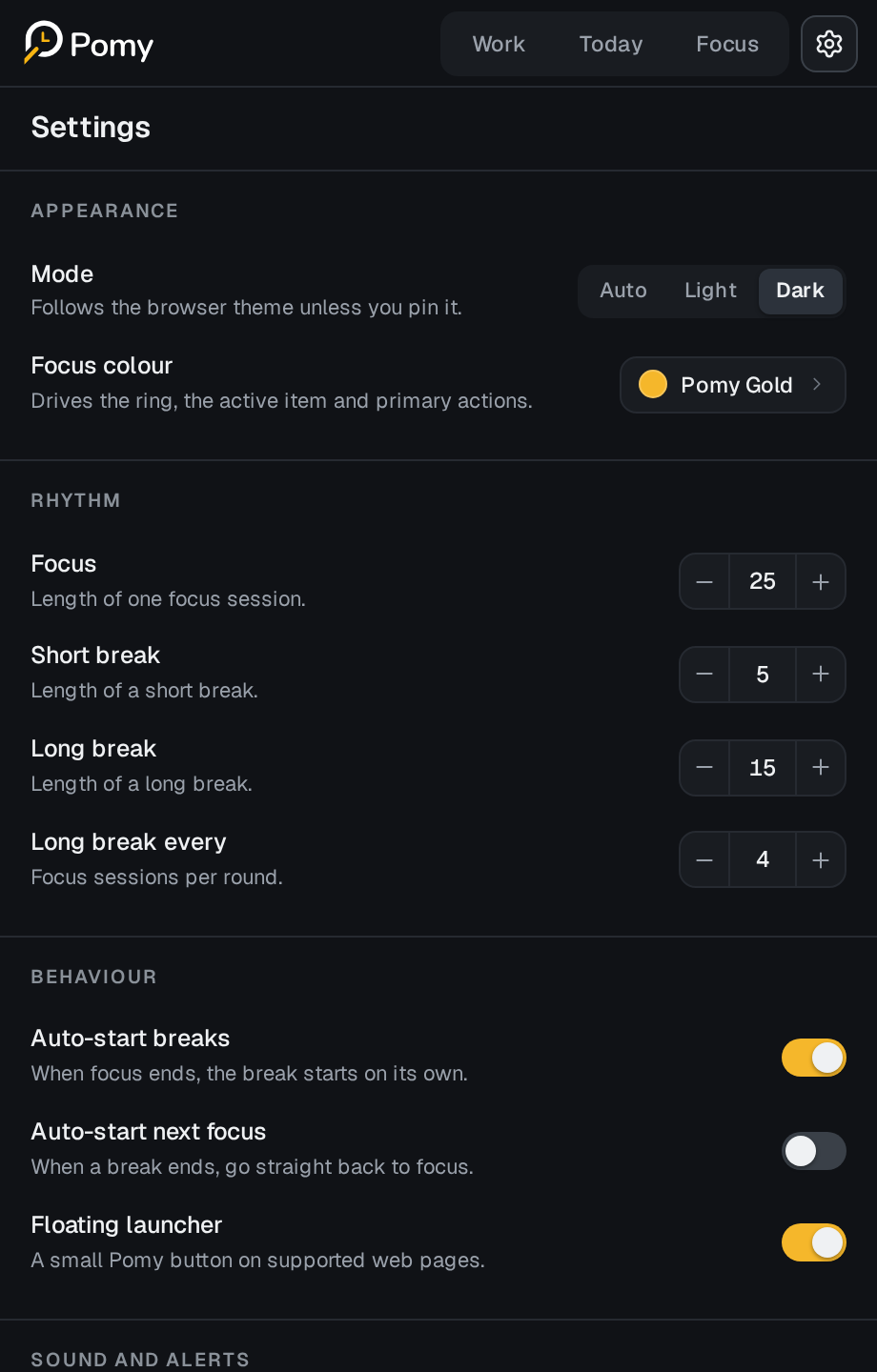
Settings
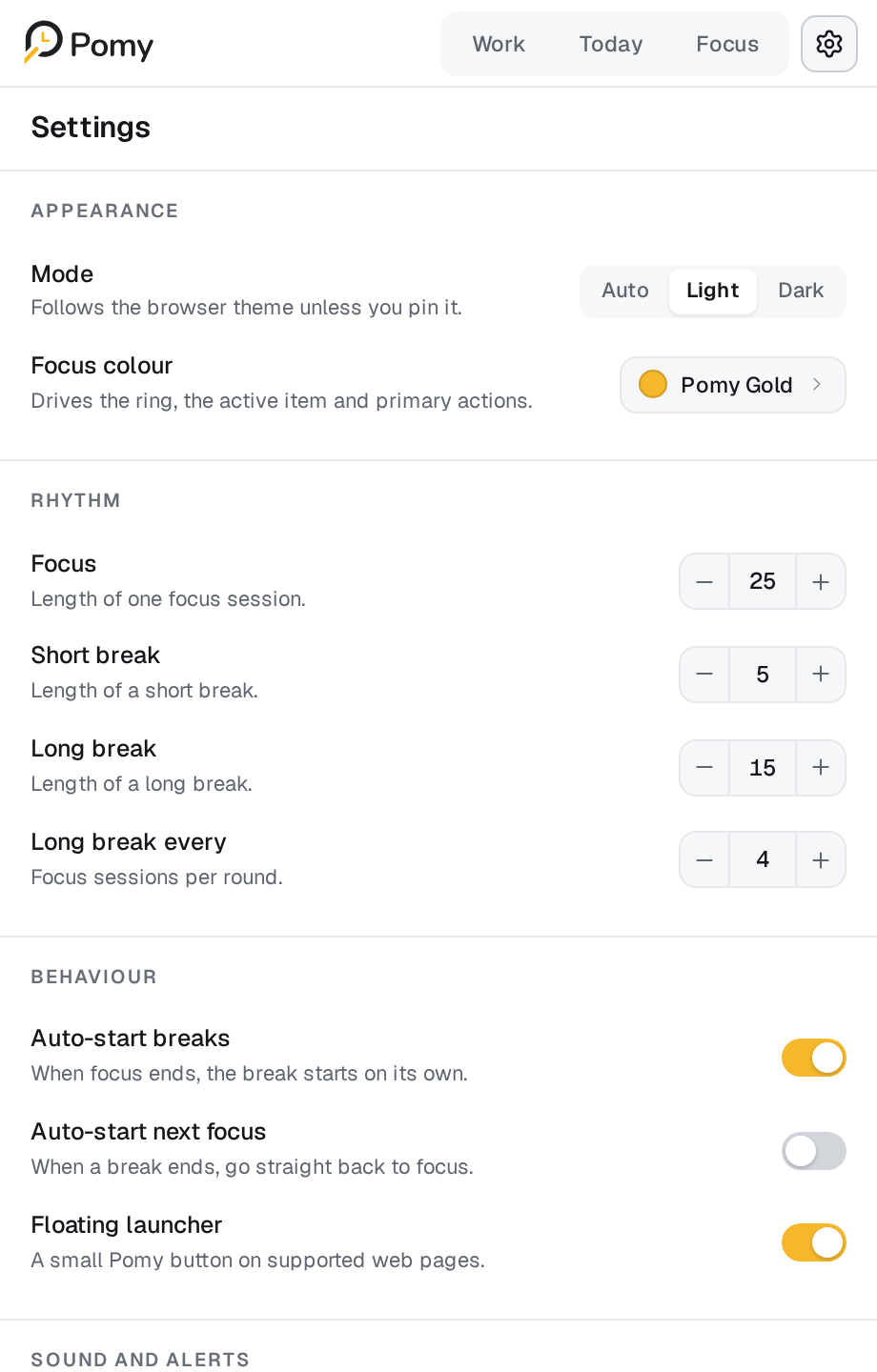
Use light or dark theme, choose an accent, configure the rhythm and control sound, notifications and the optional companion.
Roadmap
Pomy Manage — coming
Pomy Copilot — coming later
More integrations — exploring
Private pilot
Give your team a clearer way to plan, focus and finish the timesheet.